
Terminal · 5 min
A 12-line Ghostty config you can copy (and what each line does)
A default Ghostty: 13-point font, two pixels of padding, no theme, tabs floating translucent over the titlebar. Twelve lines of text turn it into a finished daily driver. This Ghostty config tutorial walks a real working file — not an excerpt, the whole thing — line by line, and sorts the lines into two piles: nine you're encouraged to bend, and three a serious terminal workflow quietly stands on.
A terminal you can diff
The argument for config-as-text over config-as-checkboxes is simple: a text file can be copied to a new machine, diffed, version-controlled, and pasted into a conversation when something breaks. This file is the cash-out. It lives at ~/.config/ghostty/config — the empty file you created when you installed Ghostty — and these twelve lines are the entire terminal setup of the machine this article was written on:
font-family = JetBrainsMono Nerd Font
font-size = 14
theme = Catppuccin Mocha
window-padding-x = 12
window-padding-y = 8
window-decoration = true
macos-titlebar-style = tabs
copy-on-select = clipboard
macos-option-as-alt = true
scrollback-limit = 50000
working-directory = home
window-inherit-working-directory = falseTwelve lines, two kinds. Most are taste — theme, font size, padding — and you should bend them. Three are load-bearing: lines the rest of a multiplexer-based workflow stands on. Learn which is which and you can customize fearlessly.
The Ghostty config tutorial: paste, save, reload
- 01Open the config file with
open -e ~/.config/ghostty/config— it opens in TextEdit. (Any editor works; none of these lines contain characters TextEdit can mangle.) - 02Paste all 12 lines and save with Cmd+S. The format is Ghostty's own: one
key = valueper line, whitespace around the equals ignored. - 03Click back into Ghostty and press Cmd+Shift+, — the window snaps to Catppuccin Mocha, the text steps up a point, the edges get room to breathe. No restart needed.
- 04Run
cat ~/.config/ghostty/configto confirm — what the file says is what the window does.
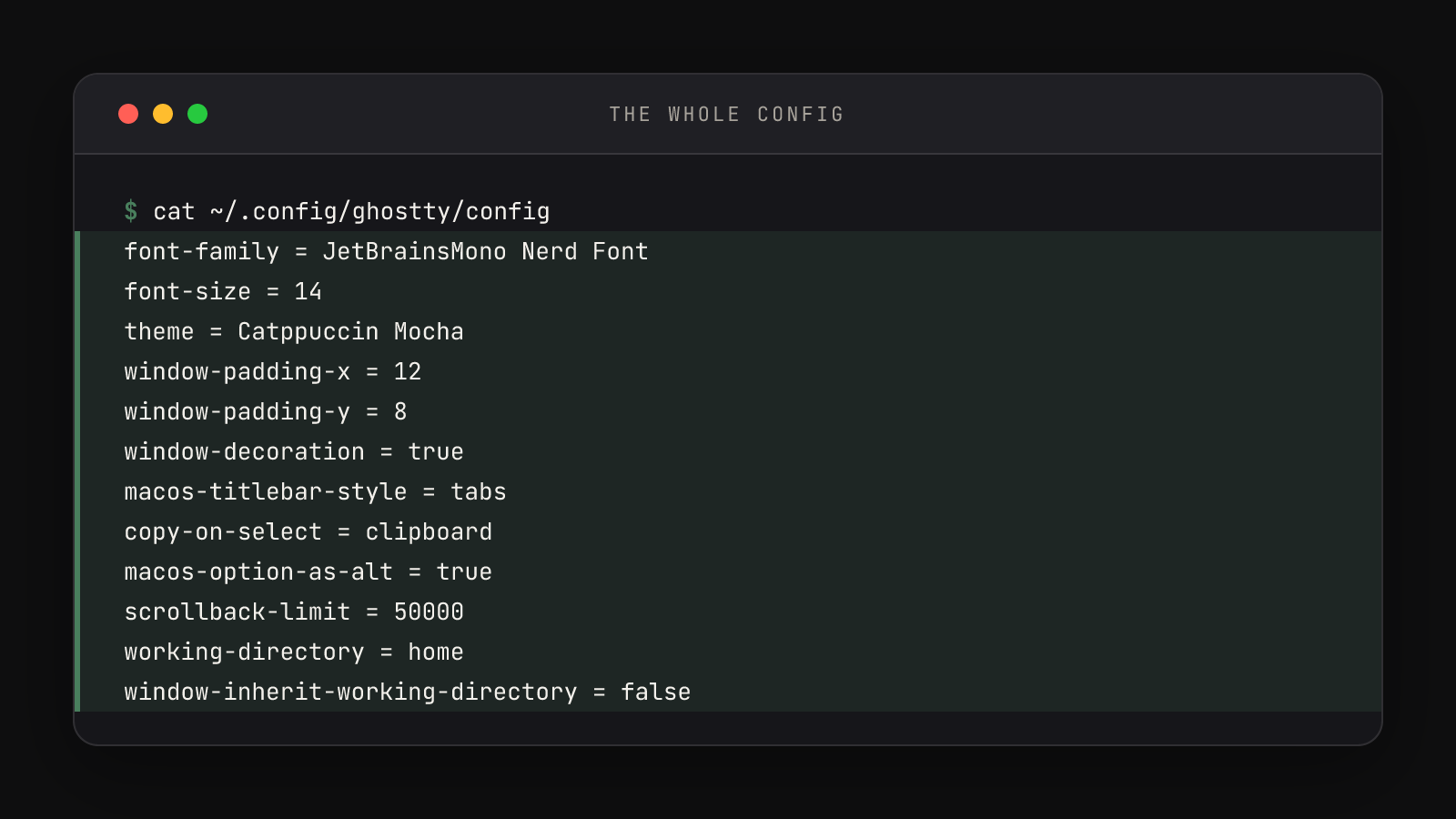
Every line, explained
The face: `font-family` and `font-size`. The font is JetBrainsMono Nerd Font — the "Nerd" part means it's patched with thousands of extra glyphs that tools like Zellij and Yazi use for their interface icons. If the family isn't on your Mac, brew install --cask font-jetbrains-mono-nerd-font fetches it (Ghostty also embeds plain JetBrains Mono with built-in Nerd Font symbol fallback, so nothing crashes without it). Size 14 over the default 13: one point bigger, measurably less squint across a long session.
The skin: `theme` and the two `window-padding` lines. Catppuccin Mocha is one of the themes that ship inside Ghostty — no download, name it and it works. Padding 12 and 8 versus the default 2 and 2 keeps text from touching the window edge, the same reason print designers don't set body copy against the page trim.
The chrome: `window-decoration` and `macos-titlebar-style`. Decoration true keeps native macOS window chrome. Titlebar style tabs is the clever one: when you open tabs (Cmd+T), they move into the titlebar instead of taking their own row — one more line of vertical space for actual work.
The hands: `copy-on-select` and `macos-option-as-alt`. Setting copy-on-select = clipboard means selecting text is copying it, straight to the system clipboard, ready for Cmd+V anywhere. (Ghostty's default of true prefers a separate selection clipboard — fine on Linux, invisible on a Mac.) And then the single most load-bearing line in the file: macos-option-as-alt = true. By default, a Mac's Option key types special characters — Option+J gives you ∆ on a U.S. layout — and Ghostty only treats Option as Alt automatically on some keyboard layouts. Zellij's keybindings drive panes with Alt+H/J/K/L. Without this line, on many layouts those keystrokes type Unicode confetti instead of switching panes.
The memory: `scrollback-limit`. An honest flag on this one: the value is in bytes, not lines, and Ghostty's default is 10,000,000 (10 MB) — so 50000 here is deliberately tiny, not generously huge. This setup runs everything inside Zellij, which keeps its own scroll history per pane; Ghostty's native buffer goes mostly unused, so it shrinks and the multiplexer owns the memory. If you live in plain Ghostty without a multiplexer, delete this line — the default serves you better.
The discipline: `working-directory` and `window-inherit-working-directory`. Set to home and false, these guarantee every new window starts at ~, no matter where the previous window was working. Predictable launch state is what the dev command is built on: it assumes it starts from home, every time, and these two lines make that a hardware fact.
What you changed, against the defaults
| Key | Ghostty default | This config |
|---|---|---|
| font-size | 13 | 14 |
| window-padding-x | 2 | 12 |
| macos-titlebar-style | transparent | tabs |
| copy-on-select | true | clipboard |
| macos-option-as-alt | (unset) | true |
| scrollback-limit | 10000000 | 50000 |
| window-inherit-working-directory | true | false |
The default column comes from ghostty +show-config --default — run it yourself to see all several hundred defaults the twelve lines quietly accept. And whenever a line in anyone's config looks mysterious, the Ghostty configuration reference documents every option the file accepts, with defaults.
Taste versus load-bearing
The recap that makes customization safe: theme, font-size, and the padding are pure taste — change them tonight. font-family is taste with a constraint (keep a Nerd Font, any of them, or icon glyphs in terminal tools turn into boxes). copy-on-select is a habit choice. But macos-option-as-alt = true and the two working-directory lines are workflow plumbing — Alt-based multiplexer keybindings and predictable launch directories silently depend on them. A config you understand line by line is a config you can change without fear, which is the actual skill on offer here.
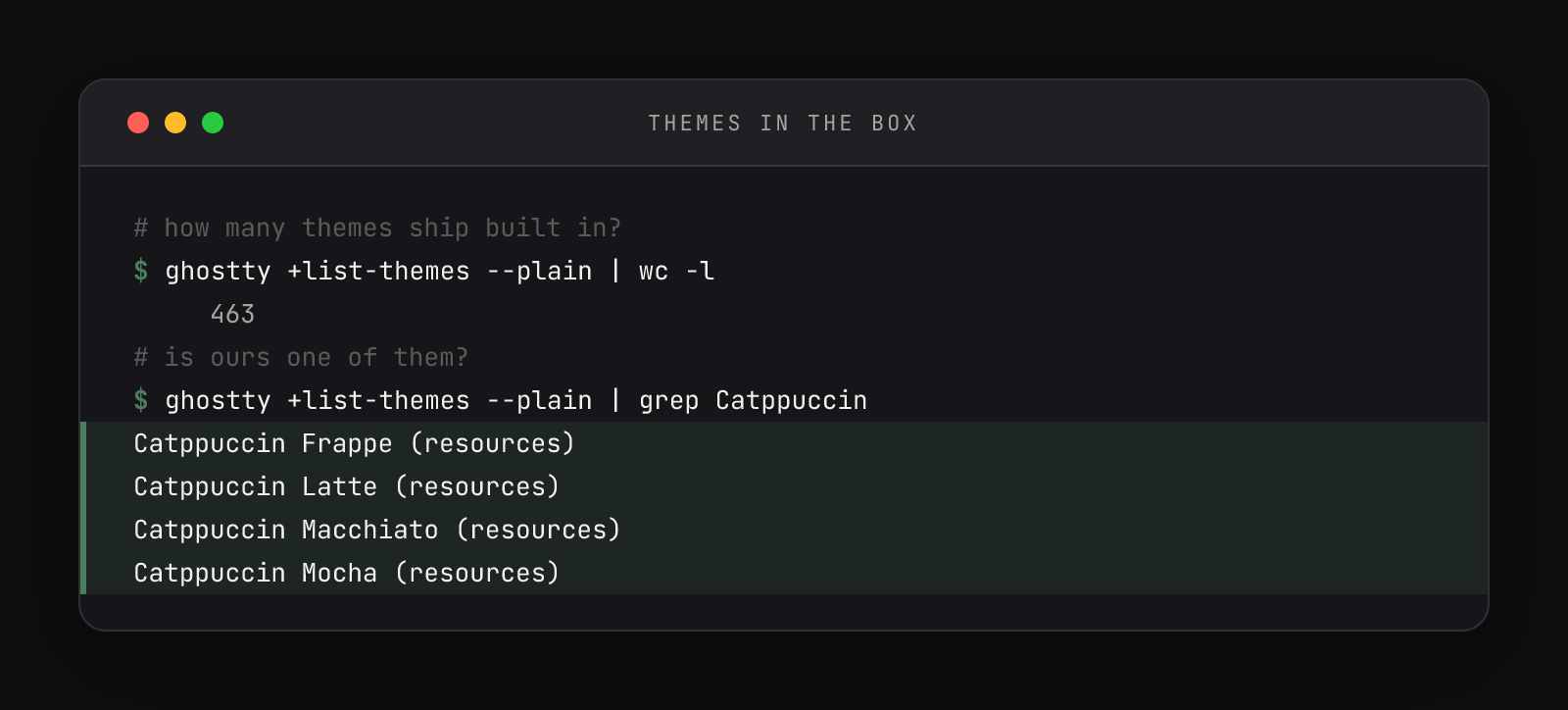
That count is your customization budget: 463 built-in themes, swappable with one word and one keystroke. Run ghostty +list-themes in Ghostty itself and it opens an interactive preview — arrow keys to browse, F1 for help, Esc to exit. Find one you like, change line 3 of ~/.config/ghostty/config to its exact name, hit Cmd+Shift+,. The Catppuccin family alone has four flavors (Latte, Frappé, Macchiato, Mocha), with the project's own files at catppuccin/ghostty if you want them instead of Ghostty's bundled copies.